
Scrolling Logo Marquee
Showcase your clients, partners, and press mentions in a smooth, scrolling logo display that builds credibility and highlights the names behind your business.
 Built for Squarespace
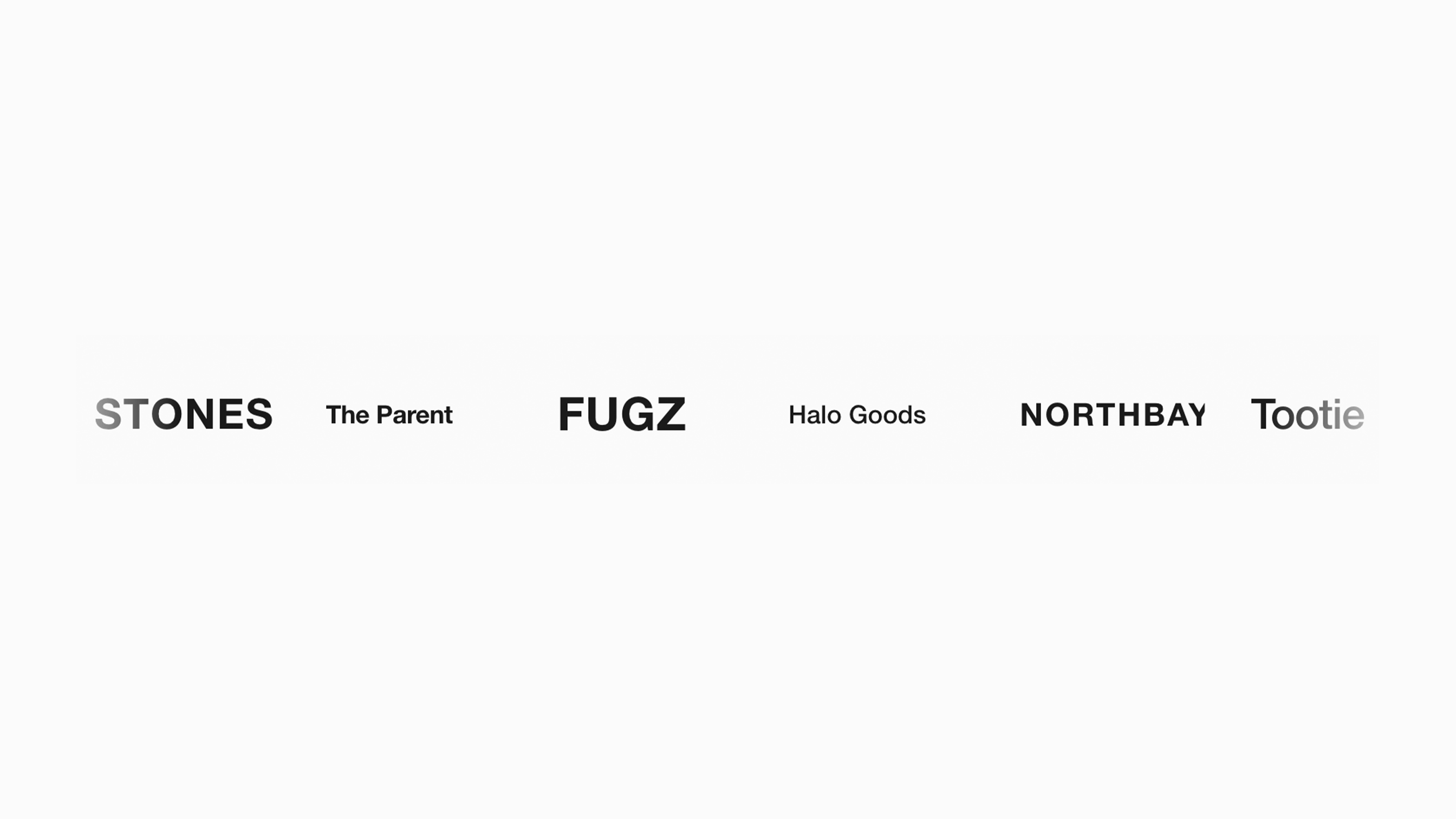
Give visitors a reason to feel confident in your business. Scrolling Logo Marquee turns client, press, or partner logos into a smooth, continuously scrolling showcase, making the names behind your experience easy to notice. It’s a great fit for agencies highlighting past clients, consultants showcasing partnerships, brands sharing press coverage, and organizations recognizing sponsors. Bring those relationships into view without making visitors scroll through a long, static grid. Add up to 30 logos with optional links, then arrange them in one or two seamless rows moving in the same or opposite directions. Customize the speed, spacing, logo size, edge fades, hover effects, and opacity in Plugin Studio to complement your Squarespace website. Keep the movement subtle for a clean, understated look, or add a wave effect for a more playful expression of your brand.
How your plugin is delivered and accessed after purchase.
Instant Access
Plugin Studio will unlock after purchase or joining Ghost+.
No Downloading Files
No download files or saving a plugin password file.
Access Anytime
Return to your plugin and guide anytime via your account.
Check compatibility and requirements for using this plugin on Squarespace.
Plugin Setup & Customization
From purchase to installation, Ghost keeps your plugins connected and easy to manage.
- 1
Order or Unlock the Plugin
Purchase the plugin or unlock it with Ghost+. It’s added to your account instantly.
- 2
Customize in Plugin Studio
Adjust content, styles, colors, and more visually, then save your customized plugin as a preset.
- 3
Save Your Plugin
Save your plugin as a preset to a Workspace to manage plugins, upload files, and more.
- 4
Connect To Squarespace
Connect your Workspace to Squarespace once and every assigned plugin updates automatically.
Ghost Tools Included for Everyone
Customize, manage, install, and hand off plugins with Ghost Suite.
SquarespaceCustomize Without Code.
Add to Squarespace in 60 Seconds.
We've changed how Squarespace plugins work. Customize visually with simple controls, see your changes live, save plugin designs as presets, and add to Squarespace in seconds.
- No Code Customization
- Live Visual Editing
- No Extensions Required
Meet Plugin Studio.Customize visually with simple controls, see your changes live, and add them to Squarespace in seconds.No Coding RequiredLive Visual EditingNo AI Prompting
 Plugin Studio
Answers to questions about plugin setup, customization, and troubleshooting.
A history of updates and improvements released for this plugin.
Scrolling Logo Marquee has no active issues reported.
Added Pause on Hover and Fade Edges controls to the scrolling logo bar.
Updated Logo Height, Max Logo Width, and Logo Spacing controls to keep logos proportioned in the scrolling bar.
Initial release: added logo uploads, Speed, Direction, and Logo Spacing controls to Plugin Studio.