
 Image 1 of 2
 Image 2 of 2
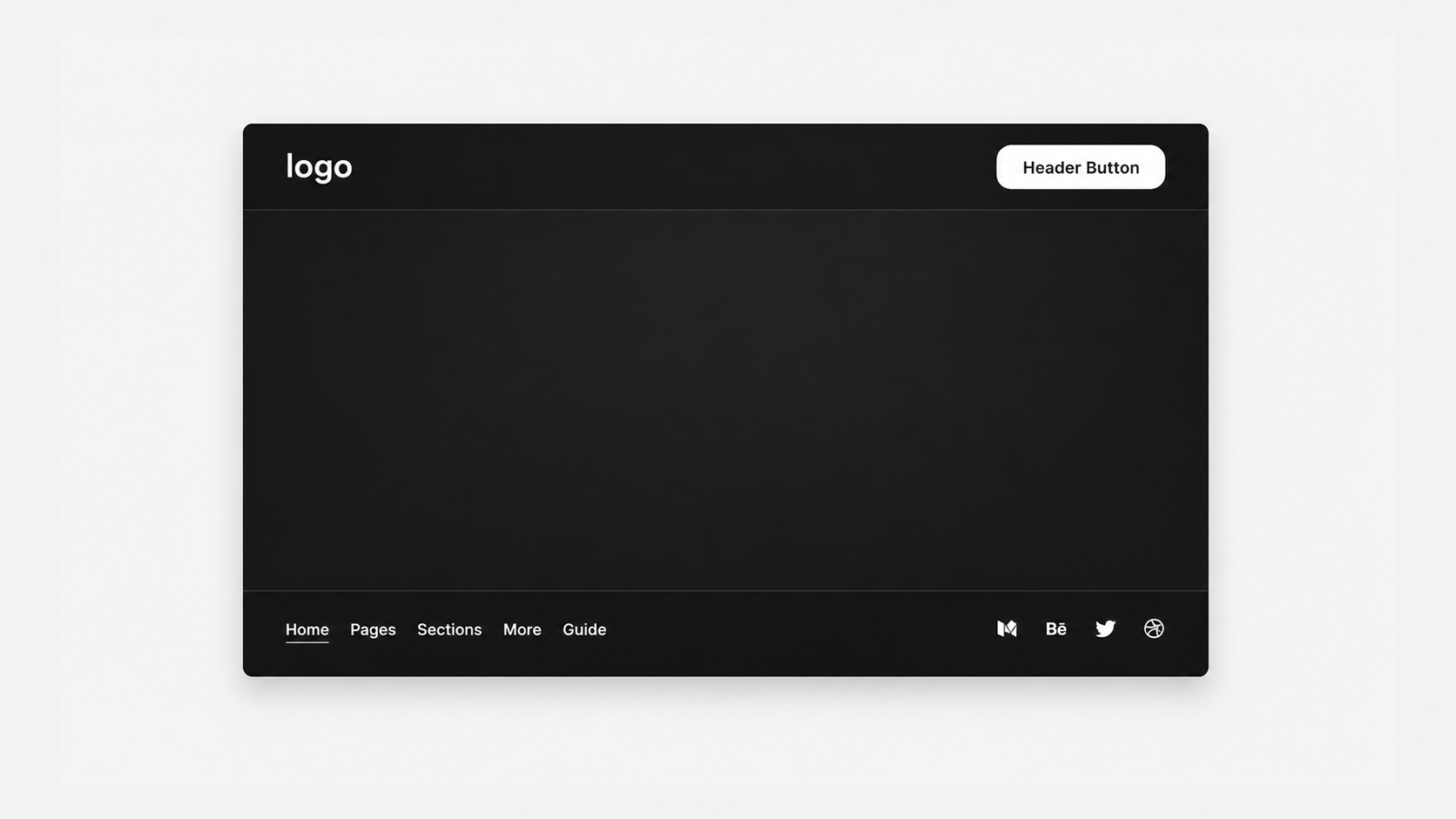
Move header items into separate corners of the screen to create a unique navigation layout that feels more modern and stands out.
Live Plugin Demo
Works with Squarespace 7.1
Requires Basic/Personal Plan or Higher
Uses CSS Editor
Only Compatible On Desktop
Step-by-Step Install Guide
Multi-Site License
Personal & Client Use Ok
Friendly Support
Free Future Updates
Corner Navigation Bar Color
Corner Navigation Border Style
Corner Navigation Padding
Note: Moving header items to different corners is currently not an option. Current layout will go Logo (Top Left), Cart / Button (Top Right), Links (Bottom Left), and Social (Bottom Right).
Unlimited access to this plugin and the Super Plugin Library.
Purchase this plugin with a multi-site license.
Move header items into separate corners of the screen to create a unique navigation layout that feels more modern and stands out.
Live Plugin Demo
Works with Squarespace 7.1
Requires Basic/Personal Plan or Higher
Uses CSS Editor
Only Compatible On Desktop
Step-by-Step Install Guide
Multi-Site License
Personal & Client Use Ok
Friendly Support
Free Future Updates
Corner Navigation Bar Color
Corner Navigation Border Style
Corner Navigation Padding
Note: Moving header items to different corners is currently not an option. Current layout will go Logo (Top Left), Cart / Button (Top Right), Links (Bottom Left), and Social (Bottom Right).
Unlimited access to this plugin and the Super Plugin Library.
Purchase this plugin with a multi-site license.